How Zapier and Make actually work
Both Zapier and Make do the same fundamental thing: they watch for an event in one app (a trigger) and then perform steps in other apps (actions), through connections to thousands of common business tools. No code, you assemble the recipe from menus.
“When a form is submitted on our website → create a contact in the CRM → notify the sales channel on Slack → add a row to the tracking sheet.” That sentence *is* the automation; the tool just runs it every time, instantly, without sick days.
The practical difference between them: Zapier is the simplest to learn and has the widest app coverage; Make gives more logic (branches, loops, transformations) per dollar with a steeper learning curve. We compared them properly, plus the self-hosted option, in n8n vs Zapier vs Make.
What to automate first
Automate the boring, repeatable work first, that is where the fast wins are. The test for a good first candidate: it happens the same way every time, a human currently moves information between systems by hand, and being late or forgotten costs money. For marketing jobs specifically, there is a separate guide to what a small business should automate first.
- Lead handling. Website and ad-platform enquiries created in the CRM automatically, with the team notified and an acknowledgment sent, minutes matter with leads, and copy-paste does not do minutes.
- Invoice and quote chasing. Reminders that fire when documents age, instead of when someone remembers to feel awkward.
- Reporting. Numbers from ads, analytics and sales compiled into one weekly summary, instead of a monthly copy-paste ritual.
- Data housekeeping. New customers added to email lists, jobs synced to calendars, files filed where they belong.
A team we worked with was copy-pasting every lead between a form tool, a spreadsheet and their CRM by hand. It worked until it didn’t, leads missed, follow-up slow, numbers nobody trusted. One automation handling that hand-off end to end freed the humans for the work only humans should do, and the reporting finally lined up.
The step everyone skips: map the process first
Automate a broken process and you just get to be wrong faster. Before building anything, write the process down as it actually runs, every step, every decision, every exception:
- Trigger: what exactly starts it? (Which form, which inbox, which status change?)
- Steps: what happens to the information, in what order, in which systems?
- Decisions: where does a human choose? Those become branch rules, or stay human, deliberately.
- Exceptions: what happens when data is missing or weird? This is where amateur automations quietly rot.
- Done: what does finished look like, and who needs to know?
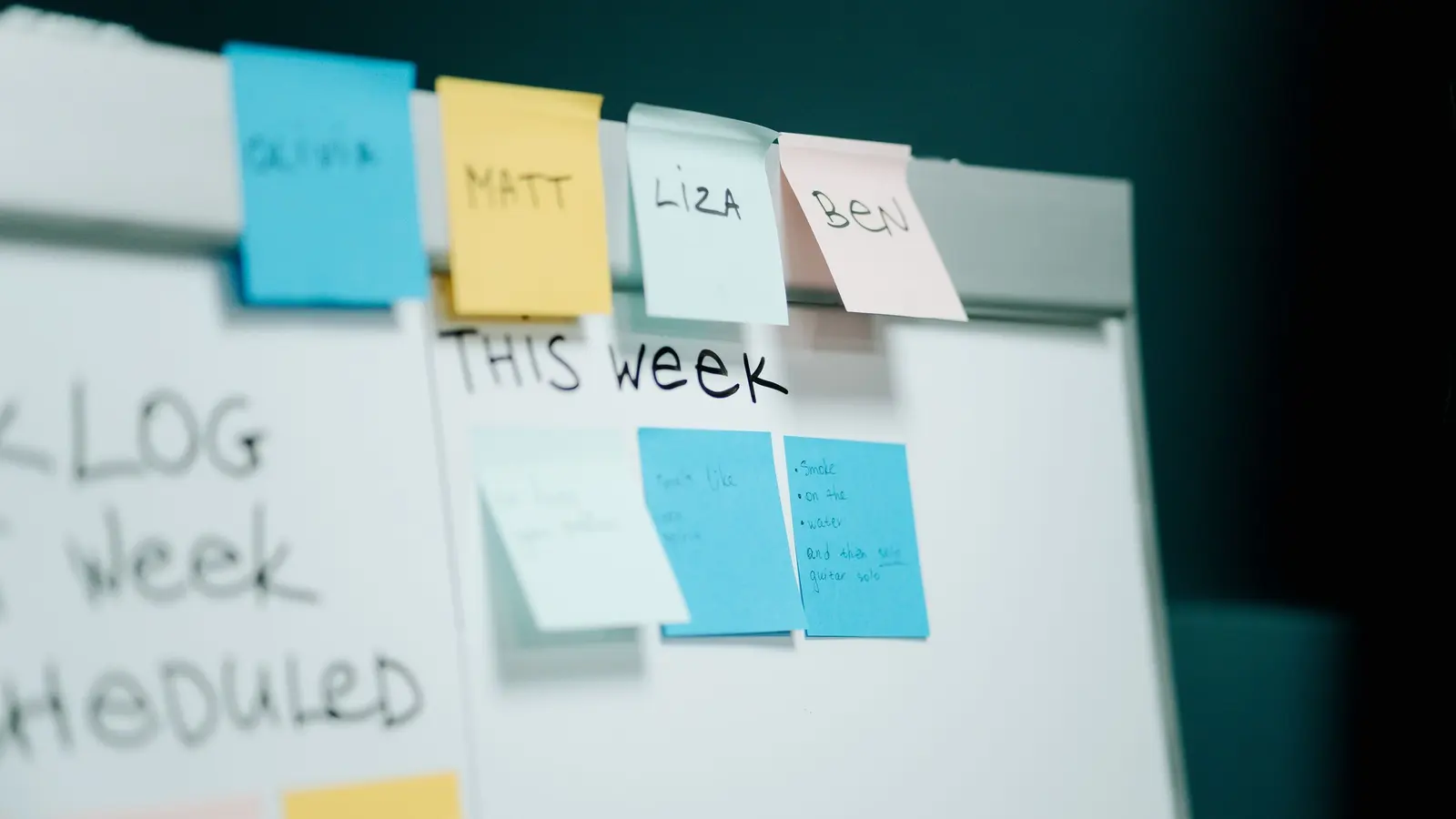
If you cannot write the process as a flowchart, the tool cannot run it as one. The whiteboard is the hard part; the software is assembly.

Building it so it keeps working
- Start with one automation, run it alongside the manual process for a week, and compare outputs before trusting it.
- Build in visibility. A weekly “here is what I did” summary from your automations beats discovering in March that one broke in January.
- Handle the failure path. Decide where errors go (a Slack channel, an email) because silent failure is the default and it is expensive.
- Name and document them. Six months later, “Zap 14 (final) v2” is nobody’s friend.
- Review quarterly. Apps change their fields and your process drifts; a short review keeps the machine honest.
When these tools are not enough, and when to skip automating
Zapier and Make excel at moving structured information between systems. They strain when the work needs judgement, reading an enquiry and deciding how qualified it is, drafting a reply in your voice, summarizing a messy document. That is where AI agents extend automation: the same triggers, with a reasoning step in the middle, which is where the AI part actually earns its place. It is the layer our AI automation service builds when the recipe tools hit their ceiling.
And skip automating altogether when: the process runs rarely (an hour of building for a task done quarterly is procrastination with a dashboard), the process is still changing weekly (let it settle first), or the real problem is that the process should not exist. Deleting a pointless step beats automating it every time.
Frequently asked questions
What business processes should I automate first?
Repetitive work where a human currently moves information between systems by hand and delay costs money, lead capture into the CRM, enquiry acknowledgments, invoice and quote reminders, and report compilation are the classic first wins. High frequency plus zero judgement equals a good candidate.
What is the difference between Zapier and Make?
Both connect your apps with trigger-and-action automations. Zapier is the easiest to learn and connects to the most apps; Make offers more powerful logic (branching, loops, data transformation) at a lower price for equivalent volume, with a steeper learning curve. Simple hand-offs suit either; complex workflows lean Make.
Do I need to know how to code to automate business processes?
No, Zapier and Make are built for non-developers, assembling automations from menus of triggers and actions. What you do need is a clearly mapped process: the trigger, the steps, the decision points and the exceptions. The thinking is the skill; the tools handle the plumbing.
How much does business process automation cost?
The tools run from free tiers to modest monthly subscriptions based on how many tasks or operations you run. The real cost is setup thinking, mapping processes and building them properly. Against the hours of admin they remove weekly, well-chosen automations typically pay for themselves quickly.
When should I not automate a process?
When it runs too rarely to repay the build, when it is still changing shape weekly, when it depends on judgement you have not defined, or when the process should simply be deleted. Automating a broken process just produces mistakes at machine speed, fix or remove it first.